
April 28th, 2026
Managing a restaurant’s finances manually is time-consuming and error-prone. Between daily sales, refunds, tips, and multiple revenue channels, bookkeeping can quickly become overwhelming.
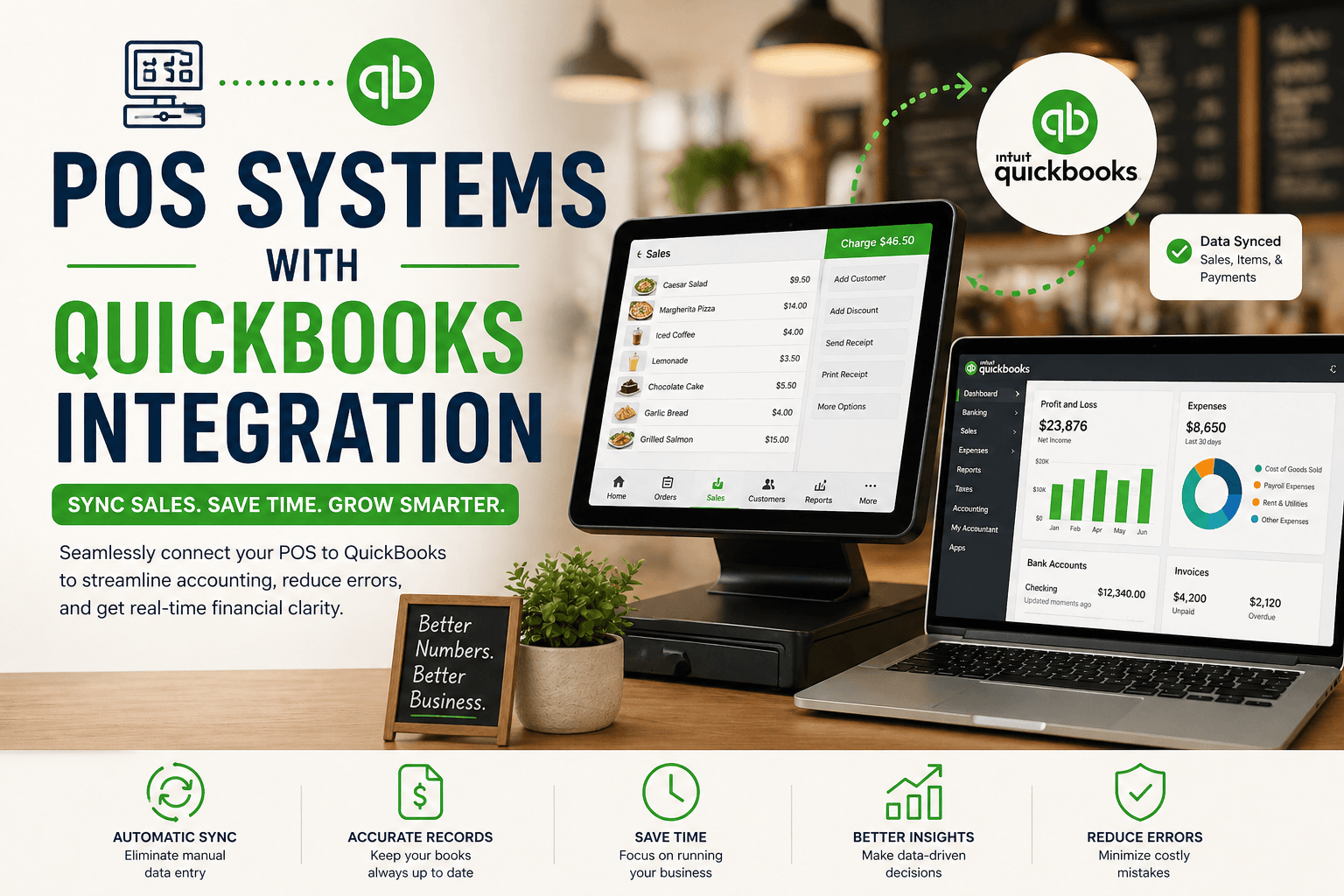
That’s where POS systems with QuickBooks integration come in.
Instead of manually exporting data, modern POS systems automatically sync sales, payments, and financial data directly into QuickBooks giving restaurant operators real-time financial clarity and saving hours of admin work.
|
Feature
|
Importance
|
Why It Matters
|
|---|---|---|
|
Automated Sales Sync
|
⭐⭐⭐⭐⭐
|
Eliminates manual entry
|
|
Payment Reconciliation
|
⭐⭐⭐⭐⭐
|
Matches POS with bank deposits
|
|
Tax Mapping
|
⭐⭐⭐⭐☆
|
Ensures accurate reporting
|
|
Real-Time Data Sync
|
⭐⭐⭐⭐☆
|
Keeps books up to date
|
|
Multi-Channel Consolidation
|
⭐⭐⭐⭐☆
|
Combines online + in-store data
|
|
Multi-Location Sync
|
⭐⭐⭐⭐☆
|
Centralizes financial reporting
|
|
Inventory Cost Tracking
|
⭐⭐⭐⭐☆
|
Tracks COGS accurately
|
|
Error Handling & Adjustments
|
⭐⭐⭐⭐☆
|
Prevents accounting discrepancies
|
The biggest benefit of QuickBooks integration is eliminating manual data entry.
Your POS should automatically push:
This ensures your accounting records always match your actual sales activity.
Reconciling POS sales with bank deposits is one of the most time-consuming tasks.
A strong integration helps:
This reduces accounting errors and speeds up month-end closing.
Restaurants deal with multiple tax types (GST/HST, tips, delivery fees, etc.).
Your POS should:
This is critical for accurate filings and avoiding costly mistakes.
Decisions shouldn’t wait until end-of-day reports.
Real-time dashboards allow you to:
This is especially valuable during peak hours or promotions.
Restaurants today operate across multiple channels:
Your POS should consolidate all of this into QuickBooks as one clean dataset.
Without this, accounting becomes fragmented and difficult to manage.
For growing restaurant brands, centralized reporting is essential.
Look for:
This ensures consistency across all locations.
Some advanced POS systems connect inventory data to accounting.
This allows you to:
This is especially important for protecting margins.
No system is perfect, errors happen.
A good integration should allow:
This ensures your financial data remains accurate and reliable.
|
Reporting Feature
|
Toast
|
Square
|
Lightspeed
|
Snappy
|
Clover
|
|---|---|---|---|---|---|
|
Automated Sync
|
✅✅✅
|
✅✅
|
✅✅✅
|
✅✅✅
|
✅
|
|
Payment Reconciliation
|
✅✅
|
✅
|
✅✅
|
✅✅
|
❌
|
|
Tax Mapping
|
✅✅
|
✅
|
✅✅✅
|
✅✅
|
❌
|
|
Real-Time Sync
|
✅✅
|
✅
|
✅✅
|
✅✅✅
|
❌
|
|
Multi-Location
|
✅✅
|
✅
|
✅✅
|
✅✅
|
❌
|
|
Inventory Sync
|
✅✅
|
❌
|
✅✅✅
|
✅
|
❌
|
|
Error Handling
|
✅
|
❌
|
✅✅✅
|
✅
|
❌
|
|
Reporting Integration
|
✅✅
|
✅
|
✅✅✅
|
✅✅✅
|
❌
|
Best for: Full-service and high-volume restaurants
Strengths:
Best for: Small restaurants and simple setups
Strengths:
Best for: Advanced financial and inventory tracking
Strengths:
Best for: Restaurants looking to connect financial data with growth
Strengths:
Snappy stands out by combining financial clarity with actionable growth insights, helping restaurants not only track numbers, but improve them.
Best for: Basic accounting needs
Strengths:
Best for smaller restaurants with limited reporting needs.
QuickBooks integration turns your POS into more than an operational tool, it becomes a financial command center.
The right setup helps you: automate accounting workflows, reduce errors and manual work, gain real-time financial visibility and make better business decisions.
For restaurants looking to scale, this isn’t just a convenience, it’s a necessity.
No. Some require third-party connectors, while others offer native integrations.
Yes, especially if you want to save time and reduce accounting errors.
Ideally daily or in real time for accurate reporting.
Automation, removing manual data entry and improving financial accuracy.