
May 7th, 2026
A restaurant POS system should make daily operations easier, not add more steps for staff.
During busy service, employees need to take orders quickly, apply modifiers correctly, send items to the kitchen, process payments, and move to the next customer without confusion.
That’s why ease of use is one of the most important factors when choosing a restaurant POS system.
The best easy-to-use POS systems are designed around simple navigation, fast onboarding, clear order flows, quick menu updates, and minimal staff training. For restaurants with high turnover, seasonal employees, multiple locations, or fast-paced service, the right POS can make a major difference in day-to-day efficiency.
|
Feature
|
Importance
|
Why It Matters
|
|---|---|---|
|
Simple Order Screen
|
⭐⭐⭐⭐⭐
|
Helps staff take orders quickly
|
|
Fast Staff Training
|
⭐⭐⭐⭐⭐
|
Reduces onboarding time
|
|
Easy Modifier Management
|
⭐⭐⭐⭐⭐
|
Prevents order mistakes
|
|
Quick Menu Updates
|
⭐⭐⭐⭐⭐
|
Makes changes easy
|
|
Simple Payment Flow
|
⭐⭐⭐⭐☆
|
Speeds up checkout
|
|
Clear Table Management
|
⭐⭐⭐⭐☆
|
Helps dine-in teams stay organized
|
|
Integrated Online Orders
|
⭐⭐⭐⭐☆
|
Reduces screen switching
|
|
Role-Based Staff Access
|
⭐⭐⭐⭐☆
|
Keeps workflows simple by position
|
|
Reliable Support & Setup
|
⭐⭐⭐⭐☆
|
Makes adoption easier
|
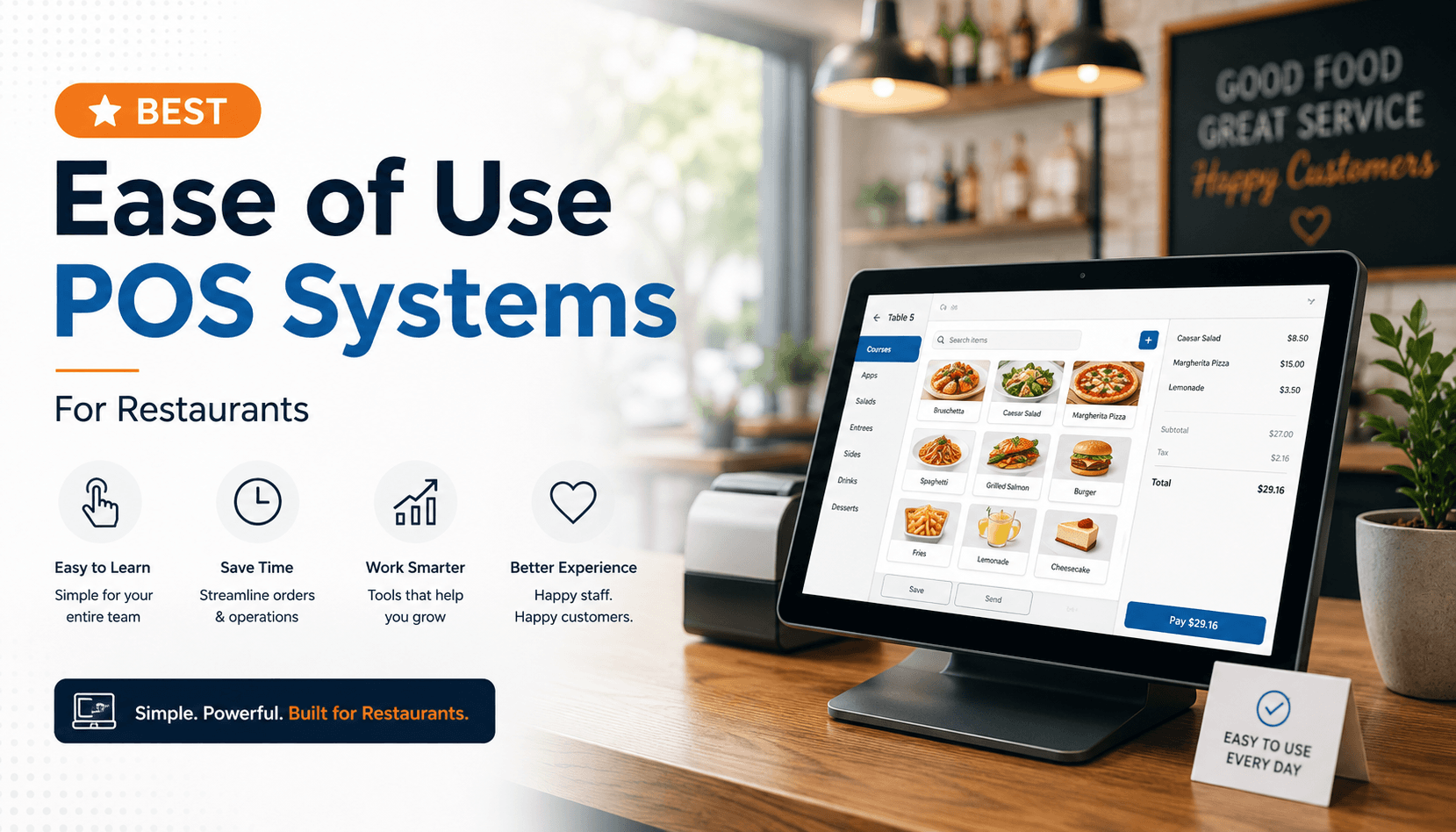
The order screen is where staff spend most of their time.
A strong ease-of-use POS should make it easy to:
If staff need to search through too many tabs or screens, service slows down.
The best systems use clear categories, large buttons, logical menu layouts, and simple checkout steps so employees can move quickly during rush periods.
Restaurants often deal with high staff turnover, so the POS should be easy for new employees to learn.
A user-friendly POS should allow staff to understand the basics quickly without needing long technical training.
This includes:
The easier the system is to learn, the faster new staff can become productive.
Modifiers are one of the biggest sources of restaurant order mistakes.
Restaurants need a POS that makes modifiers simple for staff to apply correctly.
This is especially important for:
A good POS should guide staff through required modifiers and make optional modifiers easy to select.
This helps reduce missed toppings, incorrect customizations, and kitchen confusion.
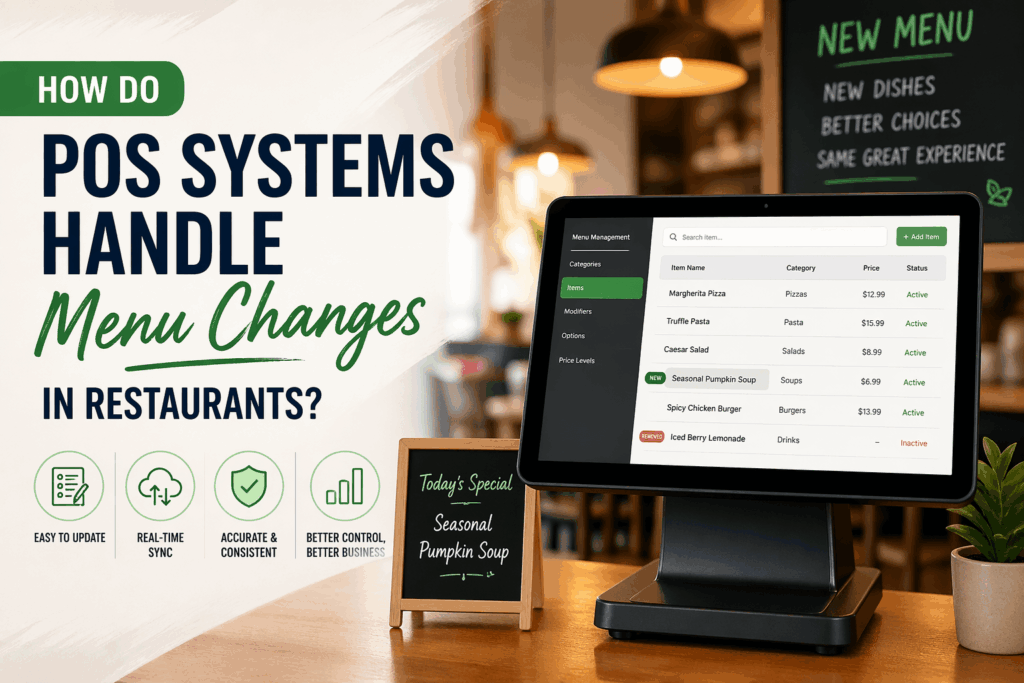
Restaurants change menus often.
Prices change, items sell out, specials rotate, and seasonal products come and go.
An easy-to-use POS should allow operators to update menus without needing a developer or support ticket for every small change.
Look for features like:
This gives restaurant managers more control and reduces delays when menu changes are needed.
Checkout should be fast and easy for both staff and customers.
A user-friendly restaurant POS should support simple payment workflows such as:
The payment process should not require staff to jump between multiple systems or manually enter payment details.
The fewer steps involved, the smoother the customer experience.
For dine-in restaurants, table management needs to be simple.
Staff should be able to quickly see:
A good table layout helps servers stay organized and reduces confusion between front-of-house and kitchen teams.
This is especially important for restaurants with busy dinner service, patios, or multiple dining areas.
Not every employee needs access to every feature.
A simple POS should allow managers to assign role-based permissions for:
This keeps the system cleaner for each employee and reduces the chance of accidental changes.
For example, cashiers may only need order and payment access, while managers may need refunds, discounts, reports, and menu controls.
Ease of use does not stop at the software interface.
The setup process also matters.
Restaurants should consider how easy it is to:
A POS provider with strong onboarding and responsive support can make adoption much smoother.
✅✅✅ = Excellent | ✅✅ = Good | ✅ = Basic | ❌ = Limited
|
Ease Of Use Feature
|
Toast
|
Square
|
Lightspeed
|
Snappy
|
Clover
|
|---|---|---|---|---|---|
|
Simple Interface
|
✅✅
|
✅✅✅
|
✅
|
✅✅✅
|
✅✅
|
|
Fast Staff Training
|
✅✅
|
✅✅✅
|
✅
|
✅✅✅
|
✅✅
|
|
Easy Modifier Management
|
✅✅✅
|
✅✅
|
✅✅
|
✅✅✅
|
✅
|
|
Quick Menu Updates
|
✅✅
|
✅✅
|
✅✅
|
✅✅✅
|
✅
|
|
Simple Payment Flow
|
✅✅✅
|
✅✅✅
|
✅✅
|
✅✅✅
|
✅✅
|
|
Clear Table Management
|
✅✅✅
|
✅
|
✅✅
|
✅✅
|
❌
|
|
Integrated Online Ordering
|
✅✅
|
✅
|
✅✅
|
✅✅✅
|
❌
|
|
Ease of Setup & Onboarding
|
✅✅
|
✅✅✅
|
✅
|
✅✅✅
|
✅✅
|
Best for: Full-service restaurants that need easy dine-in and table-service workflows
Ease of Use Strengths:
Toast POS is a strong fit for restaurants where servers need to move quickly between tables, enter orders accurately, manage checks, and process payments without unnecessary steps.
Its ease-of-use strength comes from being built specifically for restaurant workflows, especially dine-in service. For full-service restaurants, features like table management, seat ordering, split checks, and tableside payments can make day-to-day operations easier for staff.
Best for: Small restaurants and cafes that want a simple system with minimal training
Ease of Use Strengths:
Square for Restaurants is a strong option for smaller restaurants that want a POS system staff can learn quickly. Its main ease-of-use advantage is simplicity: the interface is clean, the payment flow is straightforward, and new employees can usually understand the basic order process without extensive training.
Square is best suited for restaurants with smaller menus, simple modifiers, and fewer operational layers.
Best for: Restaurants that need more control and customization
Ease of Use Strengths:
Lightspeed Restaurant can be useful for restaurants that need more customization in how menus, reports, and operations are managed.
From an ease-of-use perspective, Lightspeed offers flexibility, but it may require more setup and training than simpler systems. It is better suited for operators who want more control and are comfortable investing time into configuring the system around their restaurant’s workflows.
Best for: Restaurants that want an easy-to-use all-in-one POS system
Ease of Use Strengths:
Snappy POS is a strong option for restaurants that want to simplify operations across multiple parts of the business.
Its ease-of-use value comes from bringing POS, online ordering, kiosks, payments, loyalty, and customer marketing into one connected platform. Instead of staff having to manage separate systems or re-enter orders from different channels, Snappy helps centralize workflows into a more manageable setup.
Best for: Restaurants with basic ordering and payment needs
Ease of Use Strengths:
Clover POS can work well for restaurants that mainly need a simple way to take orders and accept payments.
Its ease-of-use strength is its basic setup and familiar payment-focused workflow. However, restaurants with more complex menus, advanced modifiers, online ordering needs, or multi-location operations may find Clover less flexible compared to more restaurant-focused platforms.
The best ease-of-use POS system is the one that helps staff move faster, reduces mistakes, and keeps daily operations simple.
Restaurants should look for a POS system with a simple order screen, fast staff training, easy modifier management, quick menu editing, simple payment workflows, integrated online orders, clear table management, easy manager access, and strong setup and support.
For restaurants that want to reduce complexity, ease of use should be treated as a core buying factor, not just a nice-to-have feature.
A restaurant POS is easy to use when staff can quickly take orders, apply modifiers, process payments, and manage daily tasks without complicated steps or long training.
Ease of use helps restaurants reduce training time, improve order accuracy, speed up service, and lower the chances of staff mistakes during busy periods.
Simple order screens, clear menu categories, guided modifiers, easy payment flows, and role-based access all help new staff learn faster.
Yes. Integrated online ordering reduces manual entry, avoids missed orders, and makes the workflow easier for staff.
The most important feature is a simple order-taking workflow because staff use it constantly throughout service.