
November 2nd, 2026
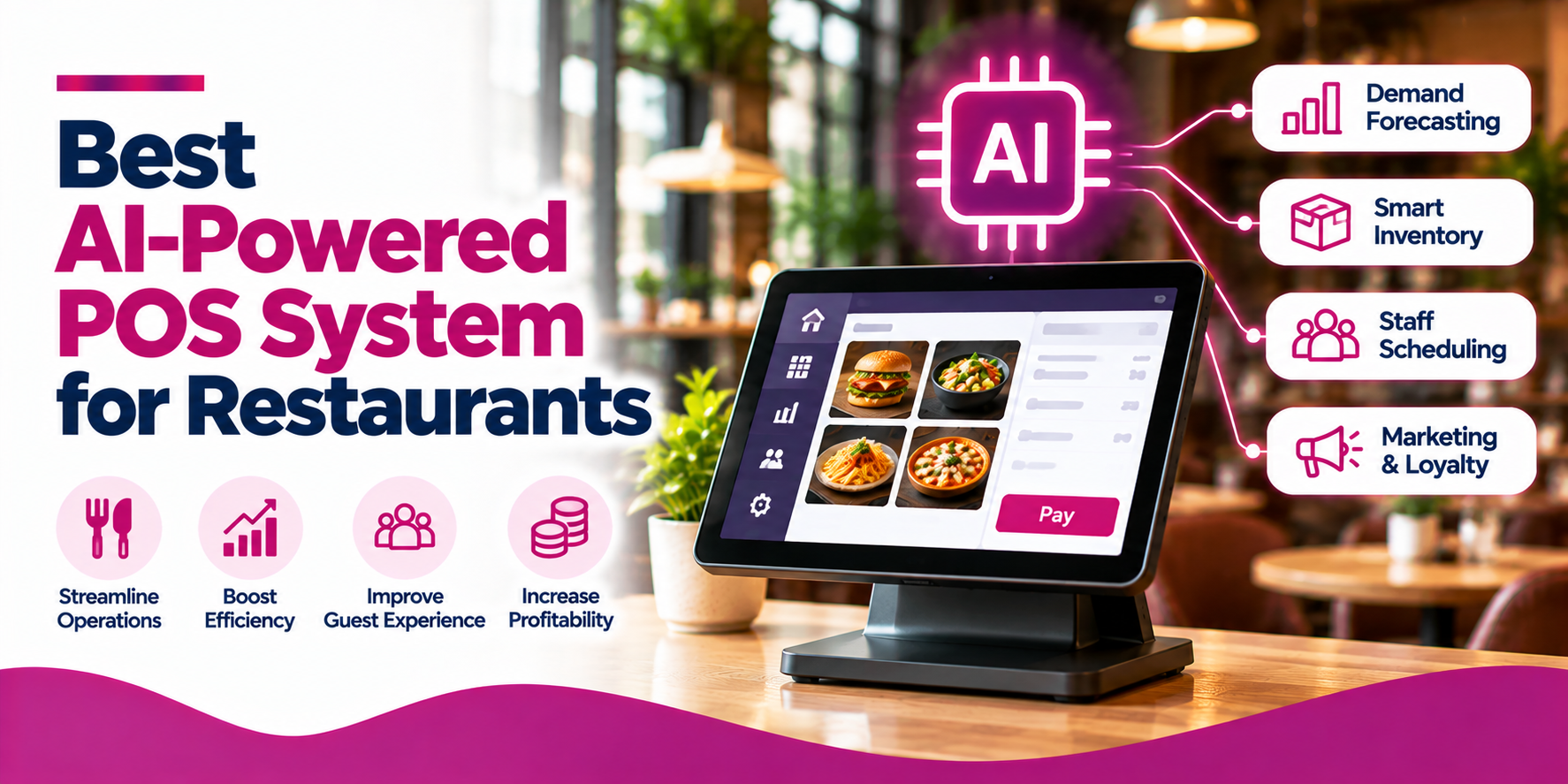
An AI-powered point-of-sale (POS) system can do more than process restaurant transactions. Depending on the platform, it can help restaurant owners understand sales trends, forecast demand, identify menu opportunities, improve inventory decisions, automate routine tasks, and make faster operational decisions.
However, not every restaurant POS with reporting tools is an AI-powered POS. Some platforms offer conversational AI assistants, while others provide predictive analytics, AI-assisted ordering, inventory forecasting, or integrations with specialist AI tools.
This guide compares Snappy POS, Toast with Toast IQ, Lightspeed Restaurant with Lightspeed AI, and Square for Restaurants. It also incorporates current restaurant-industry research and reported real-world results to help restaurant owners evaluate which capabilities may deliver practical value.
Best for connected restaurant workflows: Compare systems that link POS transactions with ordering, inventory, and operational insights.
Best for conversational AI: Evaluate assistants that let managers ask questions about business performance and, where supported, take approved actions.
Best for forecasting and waste reduction: Prioritize demand forecasting, ingredient tracking, recipe costing, and actionable inventory alerts.
Best for Canadian restaurants: Check regional availability, payment support, integrations, pricing, and evidence relevant to Canadian operators.
Important buying lesson: AI adoption is growing, but results vary. Integration quality, reliable data, staff training, and consistent execution all influence the value of an AI investment.
An AI-powered restaurant POS system combines standard point-of-sale functionality with artificial intelligence features that help teams interpret data, generate recommendations, predict outcomes, or automate selected tasks.
Traditional POS systems record orders, process payments, manage menus, and report sales. AI-enabled systems may build on those records to identify patterns and support decisions.
Depending on the product, AI capabilities may include:
These capabilities are becoming more relevant to restaurant operators. 2026 Canadian State of Restaurants Report found that 83% of surveyed independent full-service restaurant operators used some form of AI. Reported applications included reservations, inventory management, staff scheduling, and menu optimization. This demonstrates the breadth of restaurant AI use, but it does not mean every POS platform includes all these functions.
| Platform | Main AI-Related Focus | Best Fit | What to Verify |
|---|---|---|---|
| Snappy POS and Snappy Intelligence | AI-assisted ordering, menu recommendations, business insights, and related forecasting capabilities. | Restaurants seeking connected POS and operational tools. | Included modules, integrations, forecast inputs, and regional availability. |
| Toast POS with Toast IQ | Conversational assistance, business insights, and selected workflow actions. | Operators wanting to query and act on supported restaurant data. | Product eligibility, permissions, supported actions, and local availability. |
| Lightspeed Restaurant with Lightspeed AI | Conversational business intelligence and insights. | Operators seeking an AI layer for business analysis. | Release status, region, data access, and whether forecasting is included. |
| Square for Restaurants | Core POS workflows, reporting, and connected tools. | Restaurants prioritizing core POS functionality. | Which features are genuinely AI-powered and whether extra integrations are required. |
The platforms below address different needs. They should not be treated as interchangeable, and feature availability may depend on region, subscription, hardware, configuration, or integrations.
Best for restaurants seeking connected POS, ordering, and AI-assisted operational insights.
Snappy offers restaurant POS functionality alongside AI-related capabilities through its broader product ecosystem. Its published AI materials describe AI-assisted order taking, menu recommendations informed by order history across supported channels, business insights, and sales forecasting that can account for factors such as weather and seasonality.
Snappy Intelligence is positioned around insights across areas such as sales, labour, products, inventory, and multiple locations. Snappy’s inventory-management offering also describes stock tracking, purchasing and receiving workflows, recipe costing, product-consumption reports, and cost analysis.
These features align with common restaurant AI use cases. TouchBistro’s 2026 Canadian report, for example, identified inventory management and menu optimization among the AI applications used by operators. For restaurants evaluating Snappy, the important question is whether the specific POS, AI, and inventory capabilities in the proposed setup address the restaurant’s actual needs.
Potential strengths
Potential limitations
Best for restaurants that want a conversational AI assistant connected to restaurant workflows.
Toast combines restaurant POS tools with Toast IQ, an AI assistant designed to help operators get answers, uncover insights, and take action across supported workflows. Its published product information describes assistance with sales, labour, menu, and guest trends, as well as selected actions such as updating menu items or marking items out of stock, subject to the applicable products, permissions, and confirmations.
This model can be useful for managers who want to ask questions in everyday language instead of manually navigating multiple reports. It may also help reduce time spent gathering routine business information.
In Toast’s 2026 survey of 400 Canadian restaurant managers, 88% of managers already using AI said they saved at least three hours of administrative time per week. Additionally, 81% of those AI users said AI had made their business more profitable over the previous year. These are self-reported results among existing AI users, not a guarantee that Toast IQ or any individual product will produce the same results.
For buyers, the practical question is whether the assistant can answer the questions managers regularly ask and whether its actions fit the restaurant’s approval process.
Potential strengths
Potential limitations
Best for restaurants evaluating AI-powered business intelligence alongside their POS.
Lightspeed has announced Lightspeed AI as an intelligence layer for retail and hospitality, including conversational assistance for business questions and insights. For restaurant operators, the appeal is the possibility of getting answers from business data without manually assembling reports.
This type of feature may be valuable when managers need to understand sales patterns, investigate performance changes, or review multiple locations. However, conversational business intelligence should not automatically be equated with predictive forecasting, automated purchasing, or autonomous operational actions.
Qu’s 2026 restaurant technology benchmark surveyed 168 quick-service and fast-casual brands representing more than 94,000 locations. Although 73% were investing in AI or planned to start within the year, only 9% reported meaningful AI impact. The report also identified fragmented systems and data as a barrier to better guest experiences for 37% of respondents.
For restaurants evaluating Lightspeed AI, this reinforces the need to confirm which data sources the assistant can access and how well the AI features connect with existing workflows.
Potential strengths
Potential limitations
Best for restaurants prioritizing straightforward POS workflows and connected restaurant tools.
Square for Restaurants offers core POS capabilities such as order and menu management, sales reporting, customer profiles, and supported delivery integrations. These functions can provide the operational data foundation required for better restaurant decisions.
However, a modern POS and its reporting tools should not automatically be classified as a full AI-powered POS. If AI is a core purchase requirement, ask Square to demonstrate the specific AI functions available to your business, rather than assuming that standard analytics includes predictive forecasting or a conversational assistant.
This distinction is particularly important for restaurants comparing vendors on expected operational outcomes. A sales report may show which items performed well last week, for example, while a predictive tool would need to estimate future demand using appropriate historical and contextual data.
Potential strengths
Potential limitations
1. AI-assisted sales analysis
Look for tools that help identify changes in revenue, sales by item, performance by daypart, and differences between locations. The strongest systems should help managers understand what changed and identify a next step not simply produce another dashboard.
Ask vendors to demonstrate how the system handles a real business question, such as why sales declined during a particular daypart or which menu items contributed most to revenue changes. Also verify whether the assistant can access the relevant data across all locations.
2. Demand forecasting
Forecasting can help estimate future sales and prepare for busy periods. Ask which inputs the system uses, such as historical transactions, seasonality, weather, promotions, or local events. Also ask how forecast accuracy is measured and whether managers can override recommendations.
The potential impact can extend beyond sales planning. An Intel-published case study of Mac Haik Restaurant Group, a First Watch franchisee, reported that AI-assisted food-prep planning achieved more than 90% accuracy in prep estimates. The group also reported a 50-basis-point reduction in cost of goods attributed to reduced waste and a 40-basis-point reduction in labour costs from redistributing hours.
These results show how forecasting can influence kitchen preparation and labour planning when recommendations are integrated into operations. They are customer-specific results from a vendor-published case study, not expected outcomes for every restaurant or POS platform.
3. Inventory and food-waste insights
An AI system may help identify potential stock shortages, unusual ingredient consumption, and opportunities to improve purchasing. To make those insights actionable, the system needs reliable ingredient counts, recipe data, purchase prices, and sales records.
Inventory is a particularly relevant use case. In Toast’s 2026 US survey of restaurant operators and decision-makers, 53% of respondents using AI for inventory and food ordering described the ROI as excellent. This is a self-reported result among a particular group of AI users, so it should be treated as an indication of perceived value rather than a universal return-on-investment benchmark.
When comparing systems, ask whether the software links sales to theoretical ingredient usage, supports recipe costing, identifies variances, and helps managers act on low-stock or purchasing alerts. Confirm which functions are native and which depend on integrations.
4. Menu optimization
AI-related menu tools may identify popular items, analyze product performance, or suggest relevant add-ons. Verify whether recommendations are based on actual order data and whether the restaurant can control how recommendations appear to customers.
For example, a system might identify menu items with strong sales but low margins, or suggest complementary products during ordering. These insights are most useful when the POS or connected tools also provide accurate pricing and recipe-cost information.
5. Labour planning
AI can help identify demand patterns and inform staffing decisions. The system should account for real operating constraints, including staff availability, local labour rules, role requirements, and manager approval. A forecast should support scheduling rather than automatically override human judgment.
Look for a clear connection between forecasted demand and labour planning, and ask whether managers can compare forecasted requirements with actual sales and staffing outcomes.
6. Conversational AI and controlled actions
Some platforms let managers ask questions in natural language. More advanced assistants may also carry out selected actions. Ask which data the assistant can access, what it can change, how actions are approved, and whether a record of changes is available.
Do not assume that every conversational assistant can modify menus, change stock status, or complete operational tasks. These functions can depend on permissions, plan eligibility, and configuration.
7. Integrations and multi-location reporting
A useful AI system should connect to the relevant data sources, including POS transactions, menus, inventory, labour, online ordering, and accounting where supported. For restaurant groups, confirm whether reports can compare locations consistently and whether differences in menu or accounting setup affect the analysis.
Integration quality deserves particular attention. Qu’s 2026 benchmark identified fragmented systems and data as a barrier for 37% of surveyed brands. Before purchasing, ask the vendor to map the data sources needed for your chosen AI use case and identify any manual steps that will remain.
Do not rely only on the number of AI features a system provides. Track whether the feature improves a business outcome.
| Feature | Why It Matters |
|---|---|
| AI-Assisted Sales Analysis | Helps identify sales trends, unusual changes, popular items, and differences between locations. |
| Demand Forecasting | Estimates future demand using available sales history, seasonality, weather, and other relevant inputs. |
| Inventory and Waste Insights | Supports stock planning, identifies potential shortages, and helps reduce avoidable food waste. |
| Menu Optimization | Helps assess menu performance and identify opportunities for relevant add-ons or menu adjustments. |
| Labour Planning | Uses demand patterns to inform staffing decisions while keeping managers in control. |
| Conversational AI | Lets managers ask questions about supported business data in natural language. |
| Controlled Automated Actions | Can simplify supported tasks, provided permissions, approvals, and audit controls are available. |
| POS and Third-Party Integrations | Connects sales, menu, inventory, labour, and ordering data for more useful insights. |
| Multi-Location Reporting | Helps restaurant groups compare performance across locations and identify operational differences. |
| Forecast-versus-Actual Reporting | Measures prediction accuracy and helps managers improve planning over time. |
| Data Security and Permissions | Helps protect sensitive business and customer information and limits who can authorize actions. |
The best AI-powered POS system for restaurants is the one that addresses a clearly defined business problem and integrates with the restaurant’s daily operations.
Industry research shows that restaurants are using AI for tasks such as inventory management, scheduling, reservations, and menu optimization. Some operators report time savings and operational improvements, while other research highlights the gap between AI investment and meaningful impact. These findings support a practical approach: focus on the workflow, not the marketing claims.
Start with one measurable use case, verify the product’s actual capabilities, confirm the data and integrations, and run a pilot. That is a more reliable way to determine whether AI can improve your restaurant’s performance.
There is no single best choice for every restaurant. Compare platforms by the AI tasks they support, their integrations, regional availability, total cost, and ability to demonstrate results against your specific business goals.
A traditional POS records transactions and supports tasks such as order management and sales reporting. An AI-powered POS may add capabilities such as predictions, recommendations, conversational analysis, or selected automated actions. The actual features vary by vendor.
Ask which features are available in your region and plan, what data the system uses, how recommendations are generated, which actions require approval, what integrations are supported, how customer and business data are handled, and how the vendor recommends measuring results.
Not always. Some capabilities may be bundled into a subscription, while others may require an add-on, higher plan, integration, or usage-based fee. Confirm the complete cost in writing before signing.