
September 11th, 2026
Managing reservations is only one part of keeping a restaurant dining room organized. During busy service periods, restaurants also need to manage walk-in guests, estimate wait times, assign available tables, and keep guests informed while they wait.
Using separate systems for reservations and waitlists can make this more difficult. Staff may need to switch between platforms, manually coordinate table availability, or keep track of guests in different places.
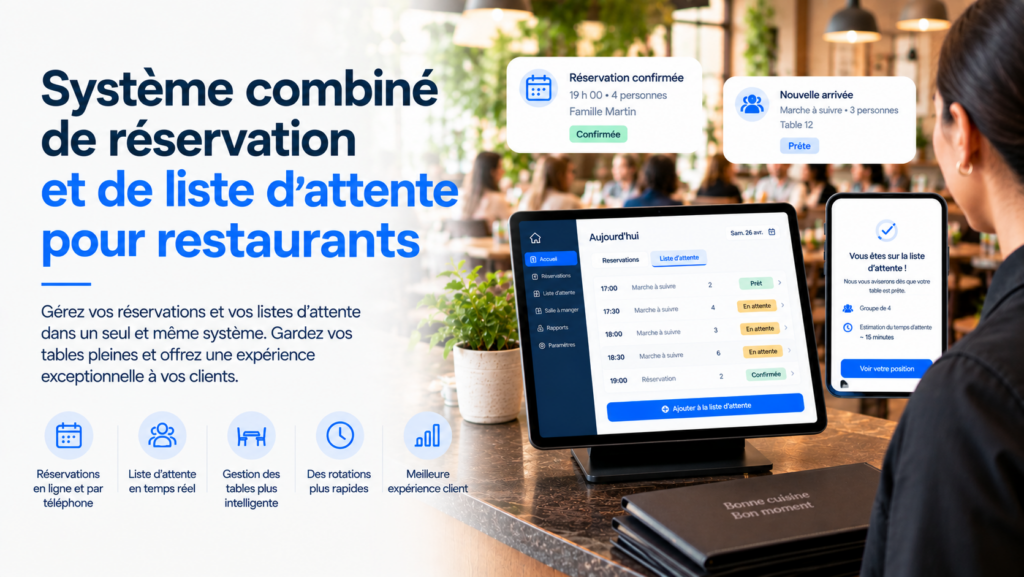
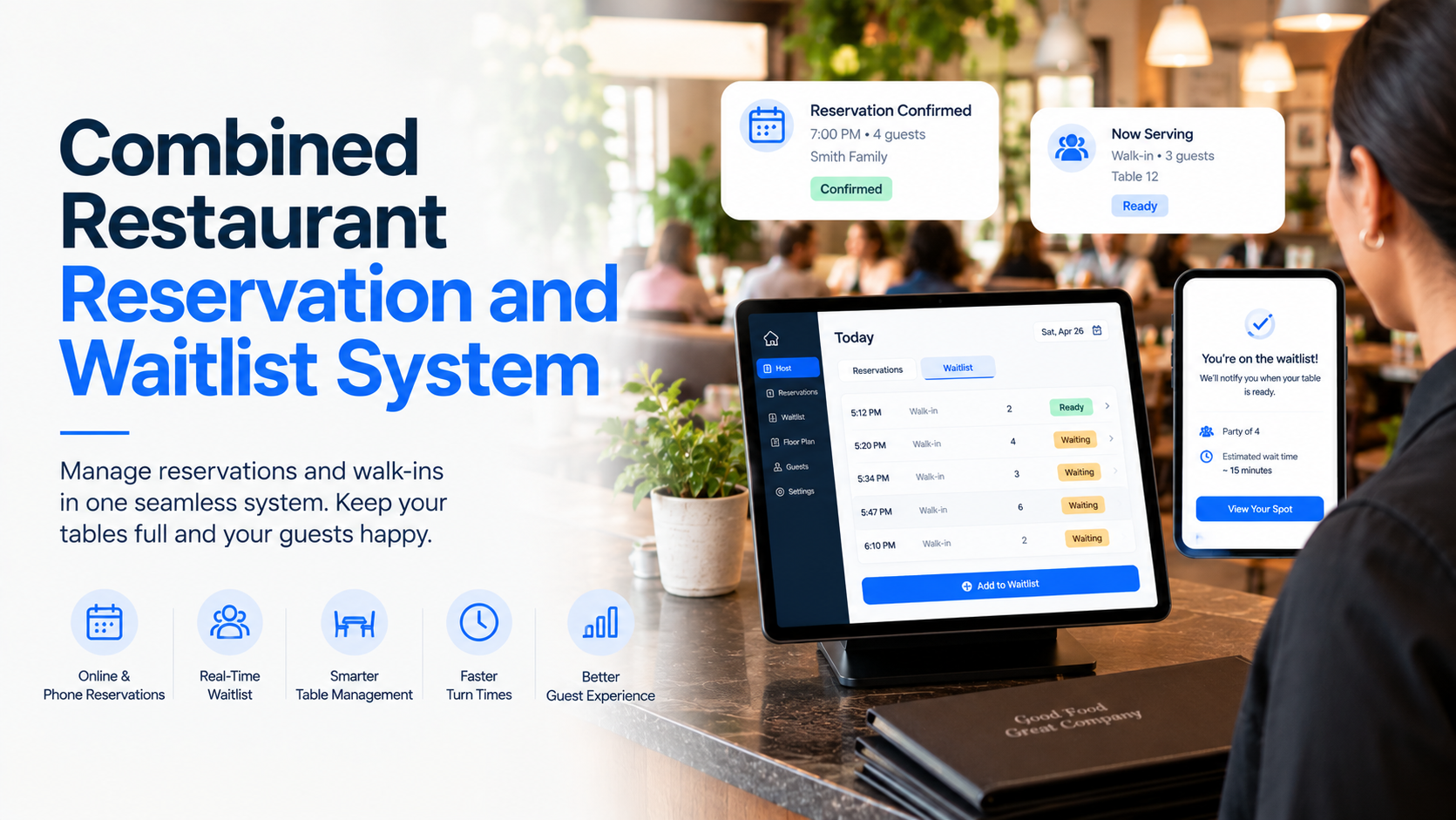
A combined restaurant reservation and waitlist system brings these processes together so restaurants can manage advance bookings and walk-in demand from a centralized platform.
In this guide, we’ll look at how combined reservation and waitlist systems work, the benefits they provide, the features restaurants should consider, and how different types of solutions compare.
A combined restaurant reservation and waitlist system combines two important parts of front-of-house restaurant management: scheduled reservations and walk-in waitlists.
Reservation software allows guests to book tables in advance. Depending on the platform, guests may be able to book online, through Google, or by phone. Restaurants can also manage confirmations, reminders, deposits, cancellations, guest information, and table availability.
Waitlist software handles guests who want a table when no suitable table is immediately available. Staff can add guests to the waitlist, track their position, estimate wait times, send updates, and match parties with available tables.
When these capabilities work together, restaurant teams can manage both groups from a more centralized workflow.
For example, a restaurant may have:
A combined system helps staff manage these different sources of demand while keeping table availability and guest information organized.
A typical reservation and waitlist workflow looks like this:
1. Guests Make Reservations
Guests can check availability and reserve a table ahead of their visit.
Depending on the system, reservations may be accepted online, through Google, or by phone. Some systems can also handle reservation requests outside normal restaurant hours.
2. Walk-In Guests Join the Waitlist
When the restaurant is full, walk-in guests can be added to the waitlist instead of leaving or waiting without an estimated timeframe.
Modern waitlist systems may allow guests to join online, in person, or by phone.
3. The System Tracks Table Availability
The restaurant team can monitor reservations, available tables, and waiting parties through a centralized interface.
Table information can help staff determine which parties can be seated as tables become available.
4. Guests Receive Updates
Automated notifications can keep guests informed about their reservation or wait.
For reservations, restaurants may send confirmation emails, reminders, and updates. For waitlists, SMS notifications can communicate changes in position or estimated wait time.
5. Staff Seat Waiting Guests
When a table becomes available, staff can match the table with an appropriate waiting party based on factors such as party size and seating availability.
This can help restaurants make better use of available tables during busy service periods.
6. Guest Information Is Recorded
Reservation and waitlist systems can maintain guest profiles and visit history, giving staff more information when managing future visits.
1. Manage Reservations and Walk-Ins Together
Reservations and walk-ins represent two different types of restaurant demand, but both ultimately compete for the same tables.
Managing them together gives staff a clearer picture of what is happening across the dining room.
Instead of treating reservations and waitlist guests as completely separate workflows, restaurant teams can coordinate both around table availability.
2. Reduce Manual Guest Communication
Busy restaurants receive frequent calls and guest requests.
Automated confirmations, reminders, and SMS waitlist updates can reduce the amount of time staff spend manually contacting guests.
For example, a waitlist system can notify guests when their position or estimated wait changes, while a reservation system can send reminders before the booking.
3. Reduce Walkouts
Long or uncertain waits can cause guests to leave before they are seated.
Providing guests with clearer information about their position and estimated wait can create a more predictable experience.
Waitlist software can send automated notifications so guests don’t have to repeatedly ask staff for updates.
4. Use Tables More Efficiently
A restaurant’s available tables may vary by party size, seating preference, and reservation schedule.
A combined system can help staff match waiting parties with available tables while accounting for existing reservations.
This can help reduce situations where tables remain unused simply because staff don’t have the right information available.
5. Reduce No-Shows and Last-Minute Cancellations
Reservations can create revenue opportunities, but no-shows and late cancellations can leave tables unused.
Reservation systems can support deposits, cancellation policies, and cancellation charges to help restaurants protect revenue.
Automated reminders can also keep guests informed before their reservation.
6. Improve the Guest Experience
From booking a table to receiving a waitlist notification, guests expect restaurant communication to be convenient.
Giving guests options to book online, manage reservations, join a waitlist, and receive updates can create a more consistent experience.
| Feature | Combined Reservation + Waitlist | Reservation Software | Waitlist Software | Basic Reservation Book |
|---|---|---|---|---|
| Online Reservations | ✓✓✓ | ✓✓✓ | — | — |
| Phone Reservations | ✓✓✓ | ✓✓✓ | ✓✓ | ✓ |
| Online Waitlist | ✓✓✓ | — | ✓✓✓ | — |
| In-Person Waitlist | ✓✓✓ | — | ✓✓✓ | ✓✓ |
| Table Management | ✓✓✓ | ✓✓✓ | ✓✓✓ | ✓ |
| Guest Profiles | ✓✓✓ | ✓✓✓ | ✓✓✓ | — |
| SMS Notifications | ✓✓✓ | ✓✓✓ | ✓✓✓ | — |
| Email Confirmations | ✓✓✓ | ✓✓✓ | — | — |
| Wait-Time Updates | ✓✓✓ | — | ✓✓✓ | — |
| Reservation Reminders | ✓✓✓ | ✓✓✓ | — | — |
| Deposits & Cancellation Fees | ✓✓✓ | ✓✓✓ | — | — |
| Seating Optimization | ✓✓✓ | ✓✓ | ✓✓✓ | — |
| Multi-Location Management | ✓✓✓ | ✓✓✓ | ✓✓✓ | — |
| Centralized Dashboard | ✓✓✓ | ✓✓✓ | ✓✓✓ | — |
| AI Voice Reservation Management | ✓✓✓ | ✓✓✓ | — | — |
| AI Voice Waitlist Management | ✓✓✓ | — | ✓✓✓ | — |
Capabilities vary by provider, plan, integrations, and configuration.
Best for: Restaurants that want reservation and waitlist management that can be used independently or together.
Snappy provides separate Reservation and Waitlist solutions that can work independently, while giving restaurants the option to use both together for a more complete front-of-house workflow.
Snappy Reservation helps restaurants manage online and phone reservations, table availability, guest information, confirmations, reminders, deposits, and cancellations. Guests can also make reservations through Google and manage reservation changes online.
Snappy Waitlist helps restaurants manage waiting guests, monitor wait times, communicate updates, and match parties with available tables. Guests can join the waitlist online, in person, or by phone, while automated SMS notifications can provide updates as their position or estimated wait changes.
Reservation management:
Waitlist management:
Snappy also supports multi-location restaurant groups, allowing reservations and waitlist operations to be managed across multiple locations.
Managing Reservations and Waitlists Together
One of the advantages of using Snappy Reservation and Waitlist together is that restaurants can manage both scheduled and waiting guests as part of their front-of-house workflow.
For example, when a table becomes available, staff can consider both upcoming reservations and waiting parties before deciding how to seat the table.
The two products can also be adopted separately. Restaurants do not need Snappy Reservation to use Snappy Waitlist, and vice versa. This modular approach allows restaurants to start with the functionality they need and add additional Snappy products later.
Best for: Restaurants primarily focused on managing advance bookings.
Standalone reservation systems can provide features such as:
These systems can work well for restaurants where reservations represent the majority of front-of-house demand.
Best for: Restaurants that primarily serve walk-in guests.
Waitlist systems are designed around the guest experience after a restaurant reaches capacity.
Typical capabilities include:
These systems can be particularly useful for high-volume restaurants where managing walk-in demand is a major part of daily operations.
Best for: Small restaurants with relatively low reservation and waitlist volume.
Some restaurants still manage reservations through phone calls, spreadsheets, paper reservation books, or basic calendar tools.
This approach can work when guest volume is low.
As the restaurant becomes busier, however, manual systems can make it harder to keep table availability accurate, communicate with guests, and coordinate reservations with walk-ins.
Choosing a reservation and waitlist platform isn’t only about having the largest number of features. Restaurants should focus on whether the system makes it easier for staff to manage the dining room during actual service.
| Area to Evaluate | What to Look For |
|---|---|
| Reservation Management | Online, Google, and phone reservations with centralized availability |
| Waitlist Management | Online, in-person, and phone waitlist options |
| Table Management | Floor plans, table availability, and seating controls |
| Guest Communication | Automated SMS, email confirmations, reminders, and updates |
| Wait-Time Tracking | Real-time position and estimated wait information |
| Seating Optimization | Tools for matching parties with available tables |
| Cancellation Management | Deposits, cancellation policies, and late cancellation charges |
| Guest Profiles | Guest information, preferences, and visit history |
| Multi-Location Support | Centralized management across restaurants and locations |
| Phone Management | Ability to handle reservation and waitlist requests by phone |
| Ease of Use | Simple interface that staff can use during busy service |
| Integrations | Ability to work with existing restaurant technology |
| Scalability | Ability to add locations and functionality as the restaurant grows |
A combined restaurant reservation and waitlist system can give restaurant teams a more organized way to manage both advance bookings and walk-in demand.
Reservation software helps restaurants accept bookings, manage tables, communicate with guests, and reduce no-shows. Waitlist software helps teams manage busy periods, track waiting guests, provide updates, and seat available tables more efficiently.
Using both capabilities together can provide a more complete view of the restaurant’s front-of-house activity.
For restaurants evaluating software, the most important factors are table management, guest communication, wait-time visibility, seating efficiency, ease of use, and the ability to manage multiple locations.
Ultimately, the best restaurant reservation and waitlist system is the one that helps staff spend less time managing guest queues and more time delivering a smooth dining experience.
A combined restaurant reservation and waitlist system helps restaurants manage both advance table bookings and guests waiting for a table. It can combine reservation calendars, table management, waitlists, guest communication, and seating workflows in one system.
A reservation system manages guests who have booked a table in advance, while a waitlist system manages guests who want a table when one isn’t immediately available.
Some reservation and waitlist systems can operate as standalone solutions alongside an existing POS. Snappy states that both Reservation and Waitlist can be used as standalone solutions, allowing restaurants to add these capabilities without replacing their existing POS.
Yes. Multi-location functionality can help restaurant groups manage reservations and waitlists across multiple locations while keeping individual restaurant operations organized. Snappy supports reservation and waitlist management across multiple locations.