
Aug 21st, 2026
Running a restaurant requires much more than taking orders and processing payments. Restaurant operators need to manage tables, reservations, staff, menus, payments, customer information, and day-to-day operations.
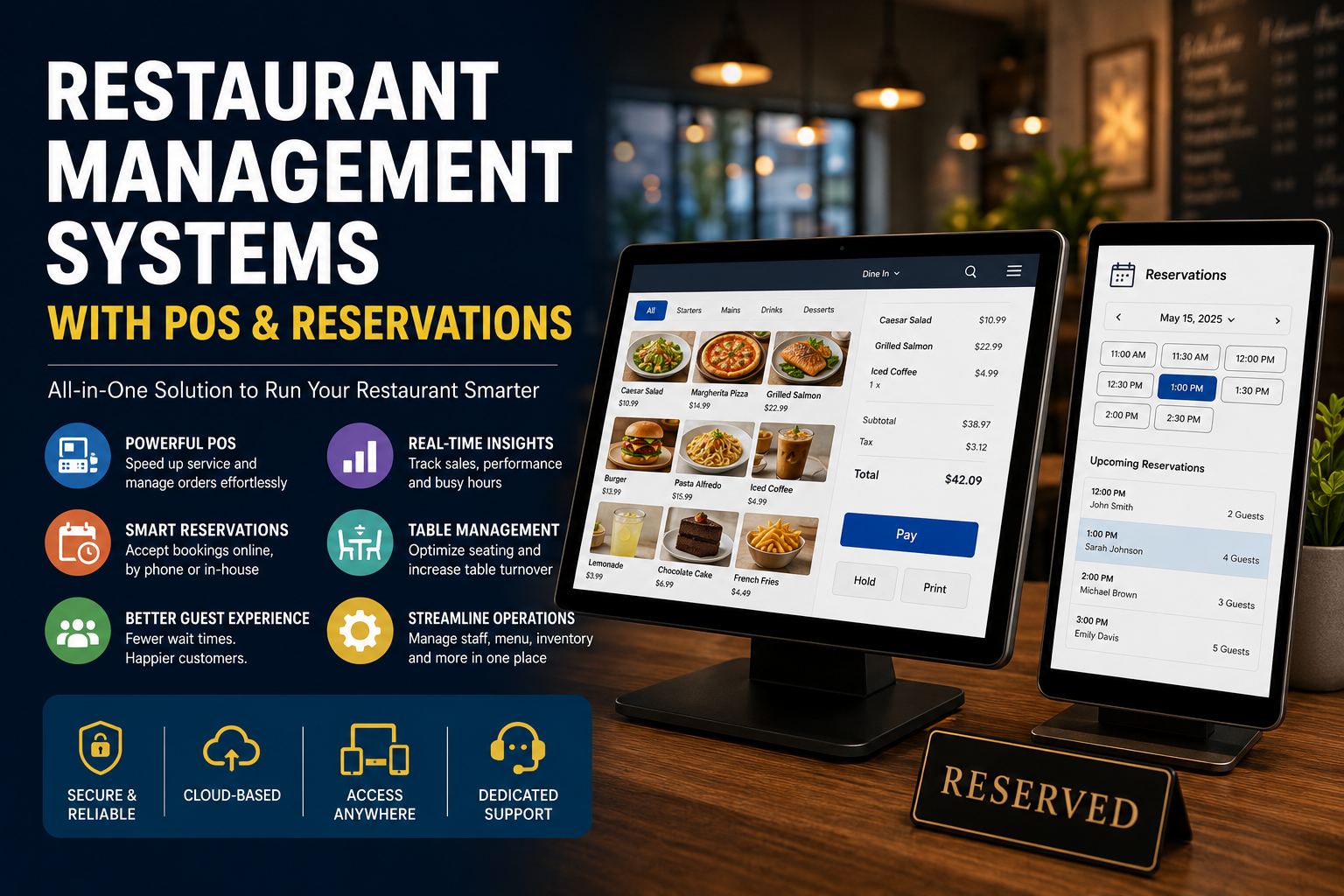
That is why many restaurants are moving toward restaurant management systems that combine POS and reservations in one platform.
Instead of managing a POS from one provider and reservations from another, an integrated restaurant management system can connect front-of-house operations, guest bookings, orders, payments, and customer information.
For restaurants, the goal is simple: fewer disconnected systems, less manual work, and better visibility across the operation.
A restaurant management system is a collection of software tools designed to help restaurants manage their daily operations from a centralized platform.
Depending on the provider, this can include:
The biggest difference between a basic POS and a broader restaurant management system is how many parts of the restaurant operation can be connected together.
A POS primarily manages transactions and orders. A restaurant management system can connect those transactions with reservations, customers, tables, online orders, and other operational workflows.
POS and reservations are closely connected to the same customer journey.
A guest makes a reservation, arrives at the restaurant, is seated at a table, places an order, pays for the meal, and potentially returns in the future.
When these activities are managed by disconnected systems, restaurant staff may need to move information between platforms.
An integrated system can create a more connected workflow:
Reservation → Table → Order → Payment → Customer
This can make it easier for staff to manage the dining room while giving operators a more complete view of restaurant activity.
The POS is usually the operational center of a restaurant management system.
A restaurant POS should make it easy to:
For example, Snappy POS supports order entry, item and modifier controls, menu synchronization, payments, table management, split bills, and real-time reporting.
A modern restaurant reservation system should allow customers to book tables without having to call the restaurant.
Important capabilities include:
Snappy Reservation allows guests to book online or by phone and supports email and SMS confirmations and reminders.
Reservations become much more useful when they are connected to the restaurant’s floor plan.
Staff should be able to see:
Connecting table management with the POS can help front-of-house staff manage the transition from reservation to dining service.
Snappy POS includes table management and floor layouts, course-based ordering, split bills, and handheld POS functionality for tableside ordering.
Reservations don’t account for every guest. Restaurants also need to manage walk-ins and guests waiting for a table.
A restaurant management system with integrated waitlist functionality can help staff manage:
This can be particularly valuable during peak dining periods.
No-shows can create unused tables and make restaurant capacity harder to manage.
Automated confirmations and reminders can help keep guests informed about their reservations.
Snappy Reservation supports email and SMS confirmations and reminders, as well as deposits, cancellation fees, and no-show fees.
One of the most important features to look for is actual integration between the POS and reservation system.
The systems should ideally share relevant information rather than operating as two completely separate applications.
This can help restaurants connect:
The result is a more unified view of the guest and restaurant operation.
Restaurant groups have an additional challenge: managing multiple locations without creating separate administrative processes for each restaurant.
A centralized restaurant management system can provide:
Snappy POS provides centralized menu and pricing management, multi-location reporting, role-based permissions, standardized workflows, and real-time performance tracking.
|
System
|
Best For
|
POS
|
Reservations
|
Waitlist
|
Multi Location
|
|---|---|---|---|---|---|
|
Snappy
|
Best for growing restaurants with modular needs
|
✅✅✅
|
✅✅✅
|
✅✅✅
|
✅✅✅
|
|
Toast
|
Existing Toast customers with POS or other products
|
✅✅✅
|
✅✅
|
✅✅
|
✅✅✅
|
|
Lightspeed
|
Restaurants needing functional flexibility
|
✅✅✅
|
✅✅
|
✅
|
✅✅
|
|
Touchbistro
|
Full-service restaurants
|
✅✅✅
|
✅✅
|
✅✅
|
✅✅
|
|
Square
|
Small or single location restaurants
|
✅✅✅
|
✅
|
✅
|
✅
|
Snappy is designed as an all-in-one restaurant technology platform rather than a standalone POS or reservation system but it is fully modular so that you can add different products to the stack as you go.
Its product suite includes POS, Reservation & Waitlist, online ordering, delivery, payment terminals, self-serve kiosks, kitchen display systems, dine-in QR ordering, loyalty, marketing, analytics, and other restaurant tools.
POS Features
Snappy POS is designed to help restaurants manage the entire order flow. Key features include:
The system can also synchronize menus across POS, online ordering, kiosks, and QR ordering channels.
Reservation Features
Snappy Reservation gives restaurants tools to manage the booking process alongside their broader operations. Features include:
Why Snappy Stands Out
The biggest advantage is that restaurants can use POS and reservations within the same broader ecosystem.
Snappy is a modular platform, allowing restaurants to select individual products while having the option to expand into other tools as their needs grow.
That means a restaurant could start with POS and reservations and later add online ordering, loyalty, kiosks, marketing, delivery, or other modules.
Best for: Growing restaurants that want to consolidate restaurant technology while maintaining the flexibility to add modules as they grow.
Toast is a major restaurant technology provider offering POS and a broader set of restaurant management tools.
Its strength is the depth of its restaurant-specific ecosystem, particularly for full-service and larger restaurant operations.
Key strengths:
Toast can be a good option for restaurants that want a mature restaurant technology ecosystem with
Lightspeed Restaurant provides POS functionality alongside tools for restaurant operations and customer management.
Key strengths:
It can be a good fit for restaurants that need more customization and are comfortable connecting different components of their technology stack.
TouchBistro is designed specifically for restaurant operations and provides POS functionality alongside reservation and guest management capabilities.
Key strengths:
Its focus on table-service restaurants makes it particularly relevant for restaurants where reservations and dine-in operations are central to the business.
Square for Restaurants is known for its accessible interface and relatively simple setup.
Key strengths:
It can be a good starting point for smaller restaurants that don’t need the operational complexity of a larger restaurant management platform.
A restaurant management system with both POS and reservations can help connect two of the most important parts of restaurant operations: managing guests and managing transactions.
The right system should make it easier to perform multiple tasks together and require as little extra input from staff as possible.
For restaurants looking for a broader technology ecosystem, Snappy stands out with its modular approach to restaurant management. Its POS and Reservation products can work alongside online ordering, waitlist, payments, kiosks, delivery, loyalty, marketing, analytics, and other restaurant tools.
The key isn’t simply choosing a POS with a reservation feature or a reservation system with a POS integration. The goal is to create a connected restaurant operation where reservations, tables, orders, payments, and customer information work together.
Not every restaurant does. Restaurants with significant dine-in or reservation volume are more likely to benefit from an integrated reservation system, while primarily counter-service restaurants may have less need for reservation functionality.
The best system depends on the restaurant’s size, service model, locations, and technology requirements. Snappy is a strong option for restaurants looking for a modular platform that combines POS and reservations with other restaurant management tools.
Yes, depending on the provider. A modular system can allow restaurants to start with the products they need and add other capabilities later. Snappy explicitly describes its product suite as modular and allows restaurants to select individual products.