
October 16th, 2026
Running a restaurant involves coordinating orders, payments, kitchen operations, staff, inventory, and customer relationships. When these functions rely on disconnected systems, restaurant owners can lose time switching between tools and reconciling data.
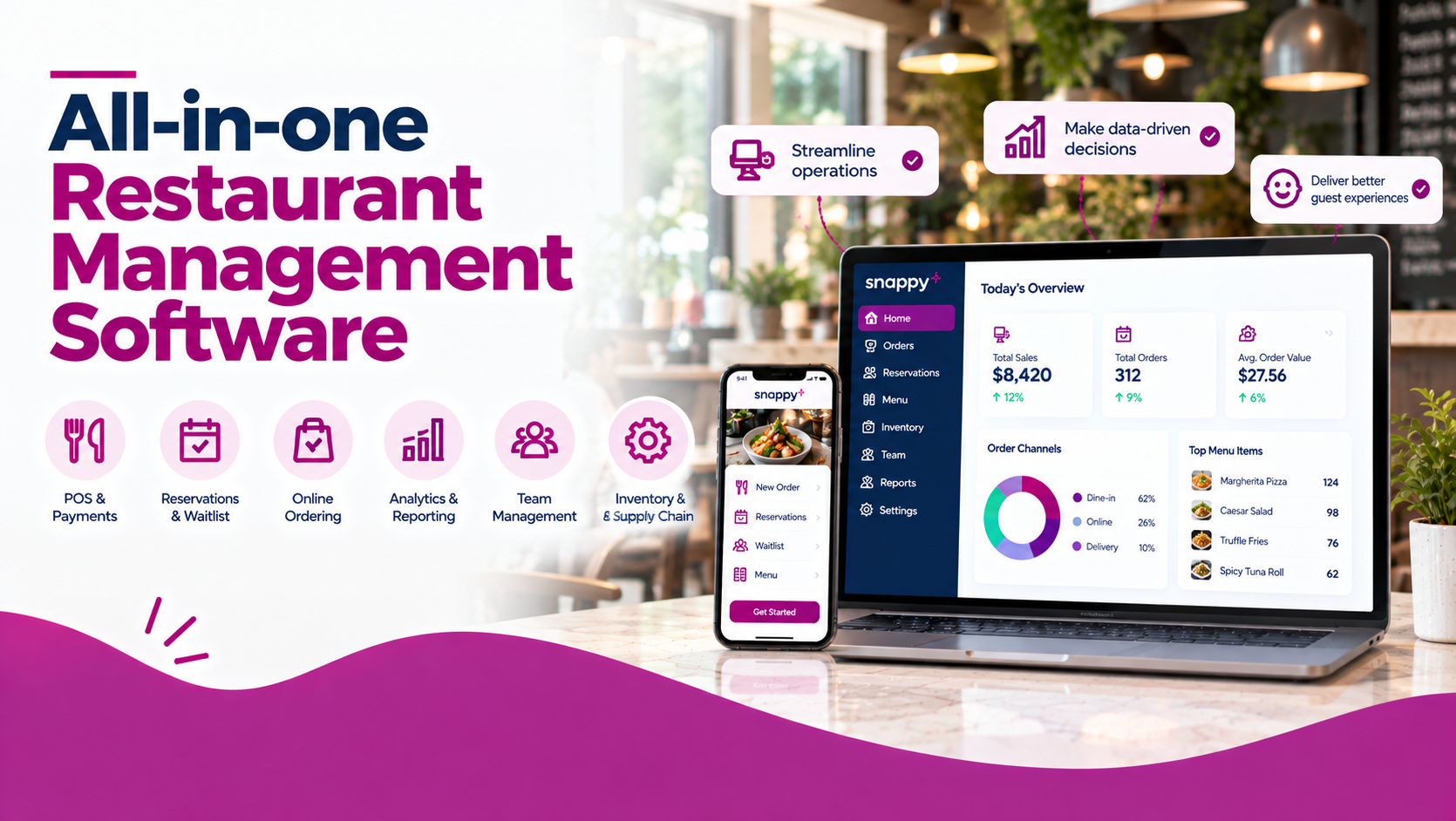
All-in-one restaurant management software brings essential workflows together through one platform or a connected suite of tools. Depending on the provider, it can include point of sale (POS), online ordering, delivery management, inventory, staff scheduling, reservations, loyalty, marketing, and analytics.
Platforms such as Snappy, Square for Restaurants, Toast, Lightspeed Restaurant, and TouchBistro offer different approaches to restaurant technology. The best choice depends on your restaurant’s service model, budget, required integrations, and plans for growth.
All-in-one software connects multiple restaurant workflows and can reduce manual tasks.
Core features include POS, payment processing, order management, reporting, and online ordering.
Inventory, staff scheduling, reservations, loyalty, and marketing may be included or offered as add-ons.
Multi-location operators should look for centralized menus, permissions, and reporting.
AI features can support phone answering, upselling, forecasting, and operational insights.
Compare total costs including hardware, processing, add-ons, and implementation not just monthly subscription fees.
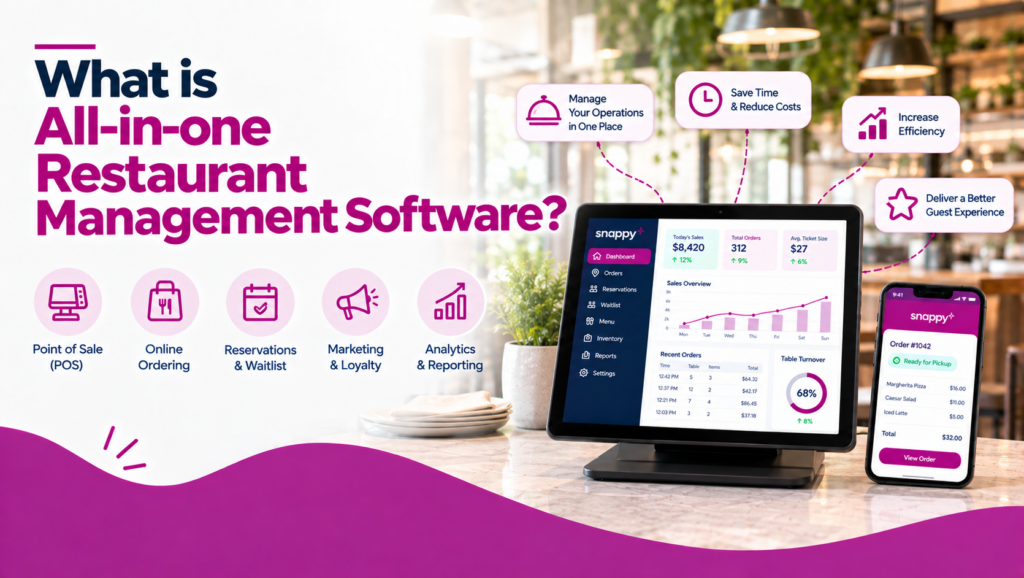
All-in-one restaurant management software combines several business functions in one connected platform. Rather than using separate systems for sales, orders, customer engagement, and reporting, operators can manage multiple workflows through a unified provider.
Common features include:
Not every platform includes all these features in its base plan. Some provide native tools, while others rely on paid modules or third-party integrations.
| Approach | How It Works | Potential Benefit | Potential Limitation |
|---|---|---|---|
| All-in-One Platform | Multiple restaurant functions operate within a connected product suite. | Fewer disconnected workflows and more centralized data. | Some features may require paid modules or additional configuration. |
| POS With Add-Ons | A core POS connects to specialist restaurant applications. | Flexibility to choose tools for specific business needs. | Integration quality, compatibility, and costs can vary. |
| Separate Applications | Each business function uses its own standalone system. | More choice of specialized software. | More manual work, duplicate data, and system administration. |
Before comparing providers, identify which capabilities are essential for your restaurant.
1. POS and Payment Processing
Look for customizable menus, modifiers, discounts, split bills, refunds, tipping, and compatible payment hardware. Confirm transaction fees, payment-provider requirements, and offline capabilities.
2. Online Ordering and Delivery
Evaluate direct online ordering, pickup and delivery options, menu synchronization, order tracking, and integrations with third-party delivery services. Compare associated fees and how each channel affects your customer relationships and margins.
3. Kitchen Display and Order Management
A KDS should route orders to the correct stations, display modifiers clearly, track preparation, and coordinate front- and back-of-house teams.
4. Inventory and Food Costs
Depending on your needs, look for stock tracking, ingredient-level inventory, purchasing tools, waste reporting, and menu-cost analysis. Basic product counts are not the same as full ingredient-level inventory management.
5. Staff Scheduling and Labour
Useful capabilities include shift scheduling, employee availability, time tracking, overtime visibility, labour reporting, and payroll integrations. Verify whether these features are built in or require another service.
6. Reservations and Customer Engagement
Full-service restaurants may need table management, digital waitlists, guest notifications, and reservation reporting. Loyalty, gift cards, customer profiles, and marketing tools can support retention across restaurant types.
7. Analytics, AI, and Integrations
Look for sales dashboards, menu-item reporting, channel comparisons, and multi-location insights. AI capabilities may include phone answering, order assistance, upselling suggestions, demand forecasting, and automated reminders.
Finally, verify integrations with your accounting, payroll, delivery, and other essential systems. Ask providers to demonstrate the complete workflow rather than relying on a feature list.
| Platform | Main Focus | Capabilities to Evaluate | Best Fit |
|---|---|---|---|
| Snappy | Broad restaurant technology suite | POS, online ordering, operations, loyalty, marketing, AI tools | Restaurants seeking connected sales and customer workflows |
| Square for Restaurants | Flexible POS ecosystem | Payments, online ordering, kitchen display, reporting | Restaurants adding tools as needed |
| Toast | Restaurant-focused technology ecosystem | POS, ordering, operations, guest engagement | Restaurants seeking a broad restaurant-specific platform |
| Lightspeed Restaurant | POS and reporting | Order management, analytics, supported integrations | Operators prioritizing configurable workflows |
| TouchBistro | Restaurant POS and table service | Floor plans, tableside ordering, reporting, guest tools | Full-service restaurants |
Snappy offers a connected suite of restaurant products spanning sales, operations, and customer engagement. Its published lineup includes POS, online ordering, delivery integrations, kiosks, QR ordering, kitchen display systems, reservations, waitlists, loyalty, gift cards, marketing, analytics, and reputation management.
Its Snappy Intelligence offering also describes AI-enabled tools for recommendations, phone-call automation, demand forecasting, inventory alerts, and operational insights.
Key strengths:
Snappy’s suite is modular, so confirm which products are included in your proposed package and which require additional fees or configuration.
Best for: Restaurants looking to connect ordering, operations, and customer engagement through a broad restaurant technology suite.
Square for Restaurants combines POS and payment processing with features such as online ordering, kitchen displays, kiosks, and sales reporting. Additional tools and integrations can extend its capabilities in areas such as loyalty, marketing, inventory, and team management.
Best for: Restaurants that want to start with core POS functionality and add tools as their needs grow.
Toast provides restaurant-focused POS and payment technology alongside products for ordering, operations, guest engagement, and reporting. Its broader ecosystem can suit operators looking to manage multiple restaurant workflows through a restaurant-specific provider.
Review the proposed package carefully to understand which features are included and which require additional products or integrations.
Best for: Restaurants seeking a restaurant-focused POS ecosystem with a broad range of operational tools.
4. Lightspeed Restaurant – Best for POS and Reporting Workflows
Lightspeed Restaurant is a POS-centred option worth evaluating for its order-management, reporting, and supported integration capabilities. Check how its available tools fit your service model and whether your required inventory, ordering, or multi-location functions need additional products.
Best for: Restaurants prioritizing POS workflows, reporting, and configurable integrations.
5. TouchBistro – Best for Table-Service Operations
TouchBistro offers restaurant POS and management tools, with features such as menu management, floor plans, tableside ordering, reporting, and options for inventory, staff management, reservations, and guest engagement.
Confirm which products are included in your selected package and whether they support your restaurant’s service style.
Best for: Full-service restaurants that prioritize table management and hospitality workflows.
Quick-service and fast-casual: Prioritize fast order entry, kiosks, online ordering, kitchen displays, and order routing.
Total costs depend on the provider, number of locations, hardware, payment volume, and features selected.
Consider these expenses:
Request an itemized quote based on your actual requirements. Compare first-year and ongoing costs rather than relying only on an advertised monthly price.
The best all-in-one restaurant management software is the platform that connects the workflows your restaurant needs without adding unnecessary cost or complexity.
Snappy is worth evaluating if you want a broad suite spanning ordering, operations, customer engagement, and AI-enabled tools. Square for Restaurants is a useful comparison for flexible POS and ordering, while Toast, Lightspeed Restaurant, and TouchBistro offer different restaurant-focused approaches to POS and operational management.
Before committing, compare exact feature availability, integrations, contract terms, and total cost. A live demonstration using your real restaurant workflows is one of the best ways to determine whether a platform is the right fit.
It combines restaurant functions such as POS, payments, ordering, reporting, and potentially inventory, scheduling, reservations, marketing, and loyalty in one connected platform.
It can reduce manual work and simplify reporting. Separate specialist applications may offer more depth for certain needs, so compare integration quality, functionality, and total cost.
Some platforms provide inventory tools, while others require an add-on or integration. Verify whether you need basic stock tracking, ingredient-level inventory, purchasing, or food-cost reporting.
Costs depend on subscriptions, payment processing, hardware, add-ons, integrations, and implementation. Request an itemized quote for your specific setup.